
Category Modes
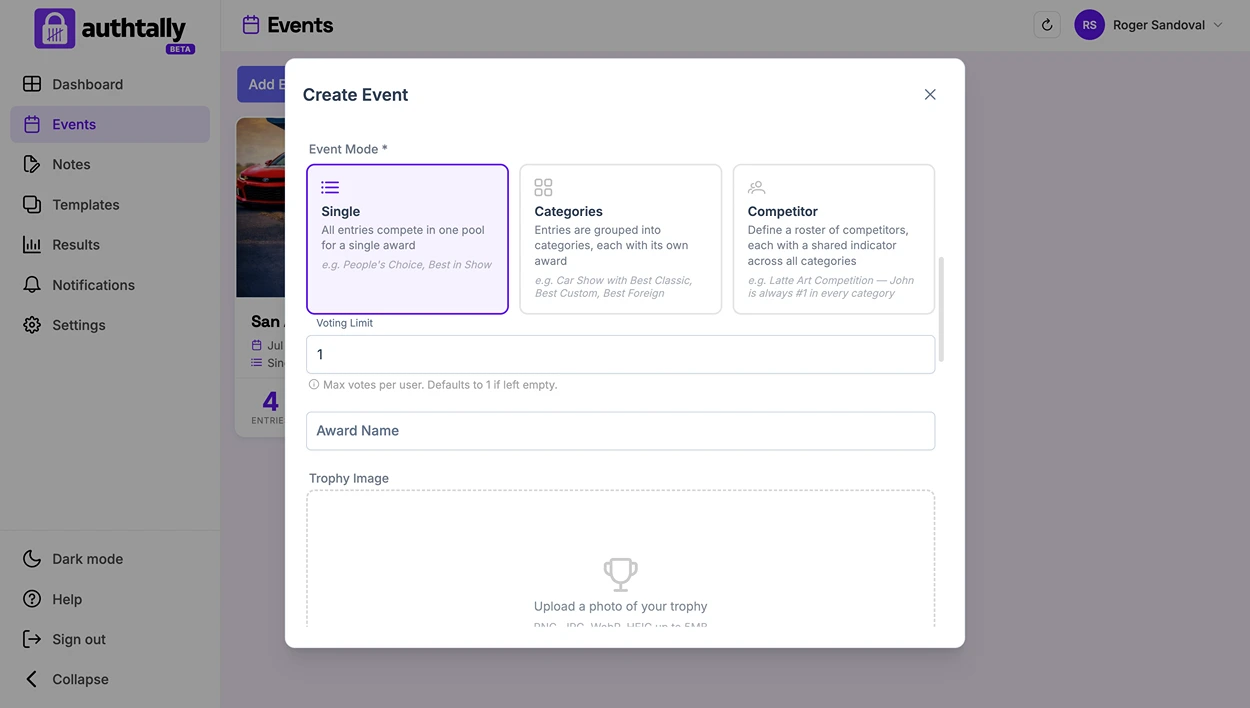
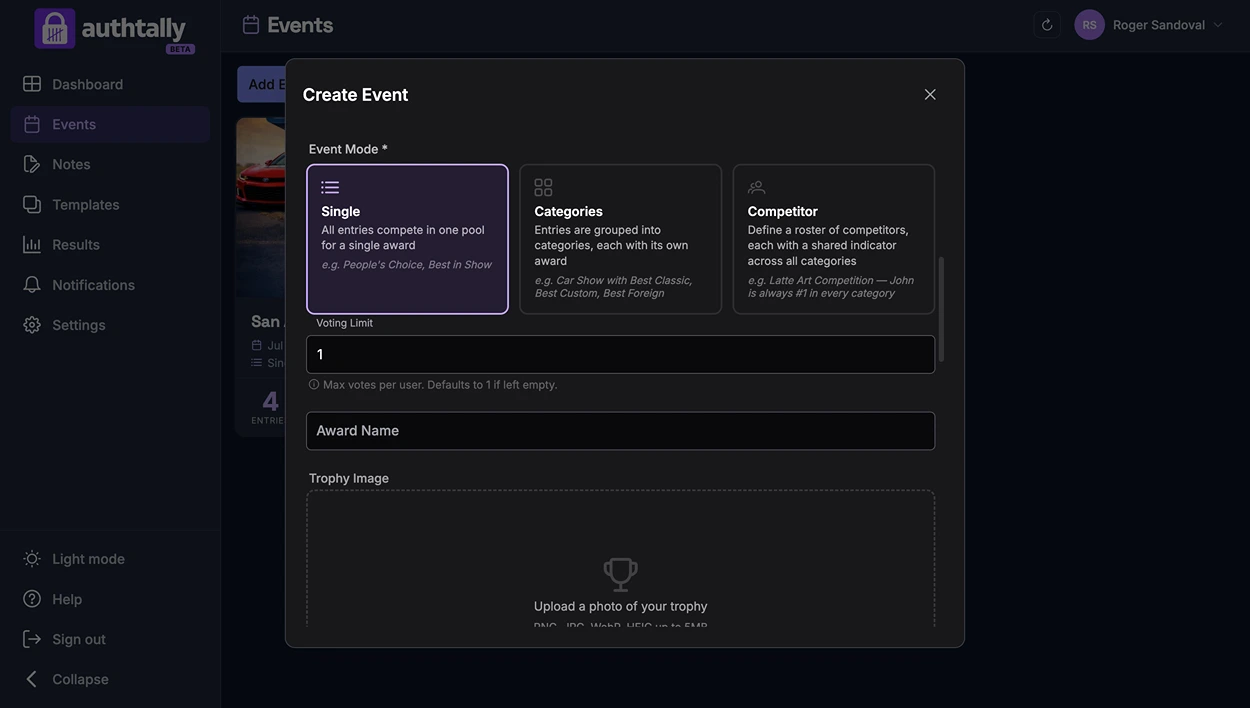
Category mode is how AuthTally structures your contest. Pick the one that matches how your event is actually judged.
Single
One contest, no categories. All entries compete against each other for one winner. This is the simplest setup: a raffle-style vote, a single "best of" contest, or anything without subdivisions.
Multiple Categories
Entries are organized into separate categories, like "Best Costume" or "Best Performance", and voters vote within each category. Use this when you're running several distinct contests inside one event.
Competitor mode
One person or team can have entries spanning several categories. Instead of unrelated entries per category, each competitor's work is tracked across every category they're entered in, useful for events where the same people compete in multiple rounds or disciplines.
Choosing a mode
Category mode is set at the event level. Think about how you'd announce winners at the end: one winner overall (Single), one winner per category (Multiple Categories), or rankings per competitor across categories (Competitor mode).