Results Visibility Levels
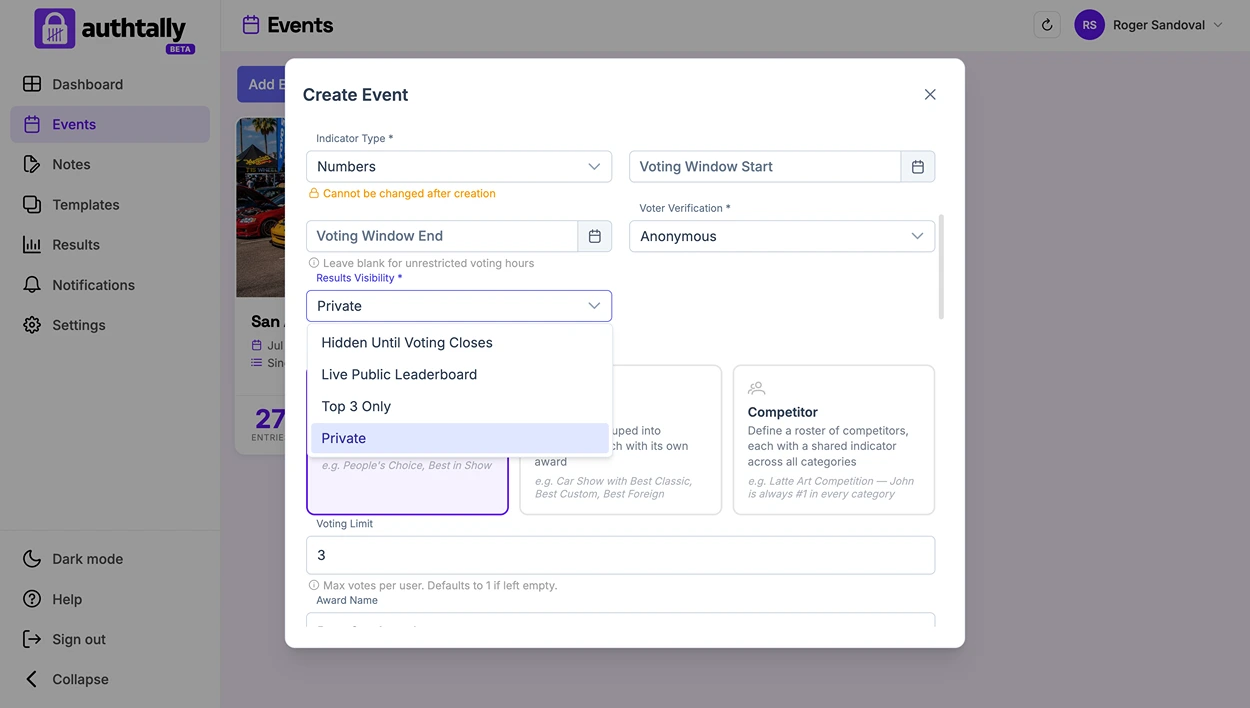
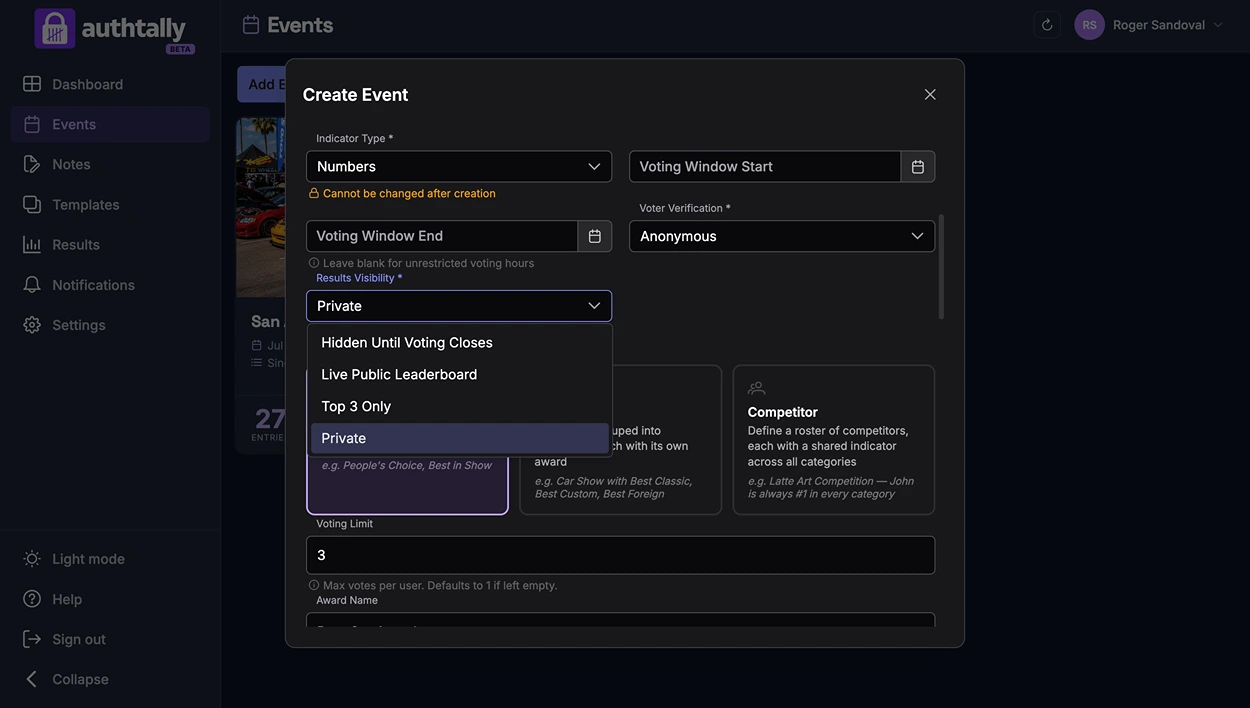
Results visibility controls what the public can see. Your own dashboard always shows full live results regardless of which level you choose.
Private
Results are visible only to you, the organizer. Nothing is shown publicly at any point, useful when you want to announce a winner yourself rather than have AuthTally reveal it.
Top 3 Only Live, paid plans
A live, continuously updating leaderboard showing just the top 3 entries while voting is open.
Full Live Leaderboard Live, Pro only
A full, live-updating leaderboard of every entry's standing while voting is open, built for larger events where the public wants to watch the whole race, not just the top spots.
Always up to date
Both live leaderboard levels refresh themselves automatically, about every 15 seconds, so anyone watching doesn't need to reload the page to see current standings. The leaderboard also stays visible on the "Votes Submitted!" and "You've Already Voted" screens, not just before someone votes, so voters can keep watching after they've cast their vote.
Choosing a level
This setting only changes what's shown publicly. As the organizer, you can watch full live results in your dashboard the whole time, no matter which level voters see. See Viewing Live Results (Organizer View).