
Voter Verification Options
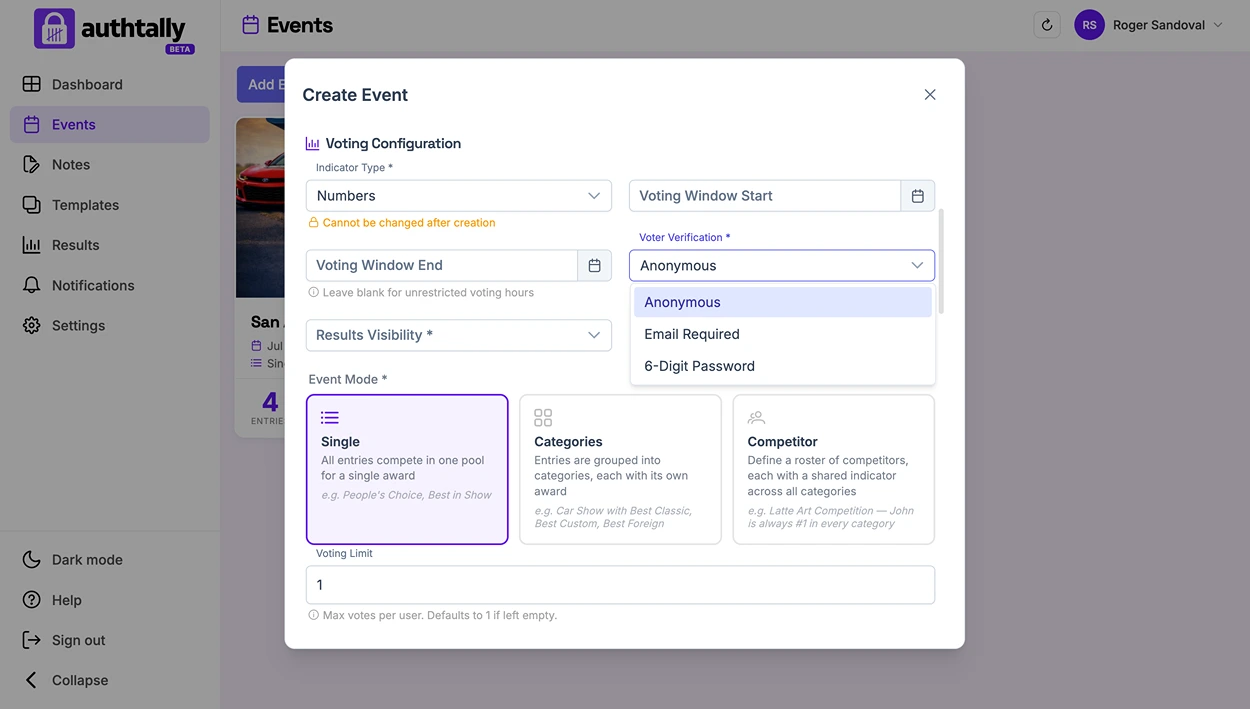
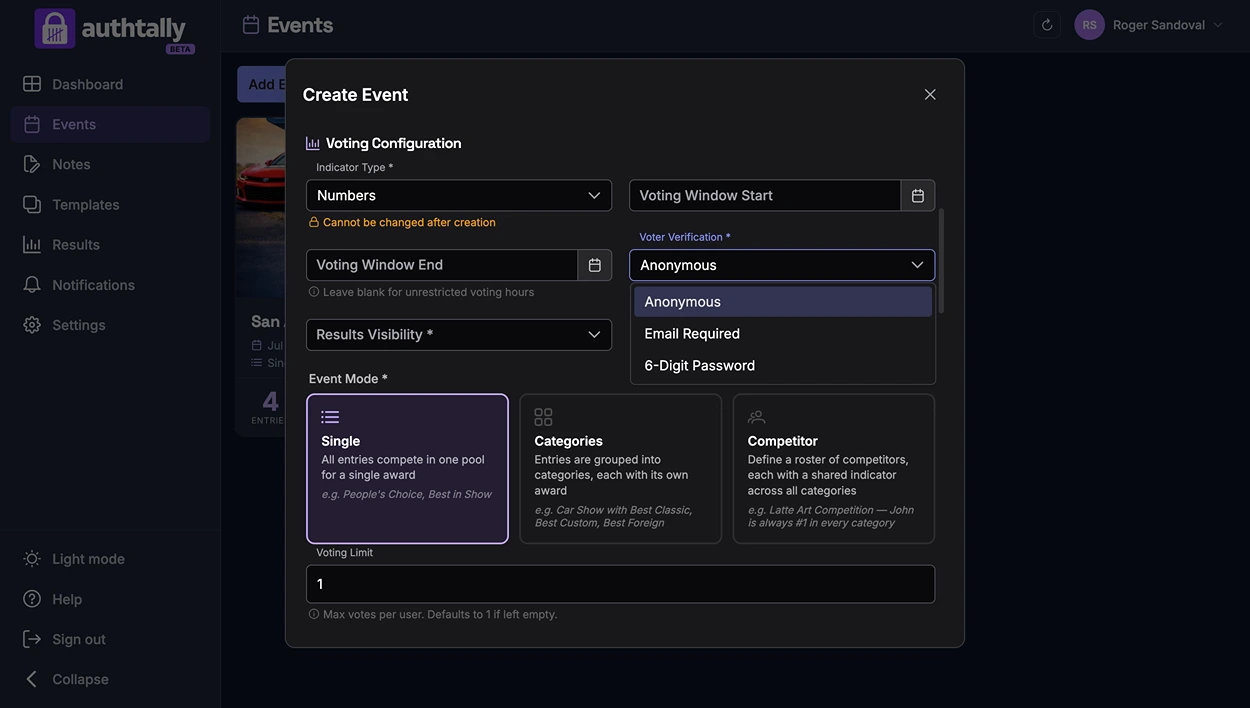
Verification controls how AuthTally prevents duplicate voting, and how much friction voters go through to cast a vote.
Anonymous
No personal information is required from voters. Duplicate-vote prevention happens locally in the voter's browser. This is the lowest-friction option and the default for most events, ideal when you trust your audience and want voting to be as fast as possible.
Email verification
A one-time code is emailed to the voter, which they enter to confirm their vote. This is the strictest option and the most effective at preventing duplicate voting, at the cost of asking voters for their email address.
If your event involves minors, think carefully about whether collecting voter email addresses is appropriate before enabling this option.
Picking one
Verification is set per event and can be changed before you go live.