
Reviewing and Approving Submissions
Public submissions don't appear in your contest automatically. You decide what makes it in.
The review queue
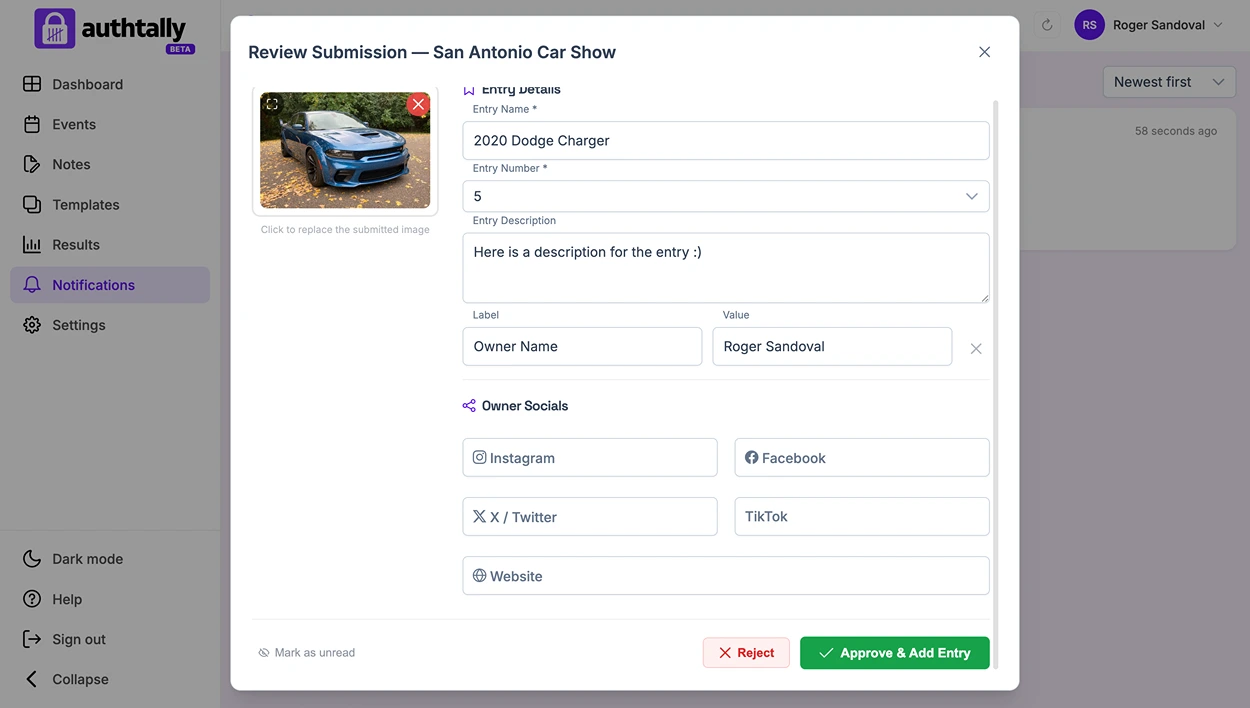
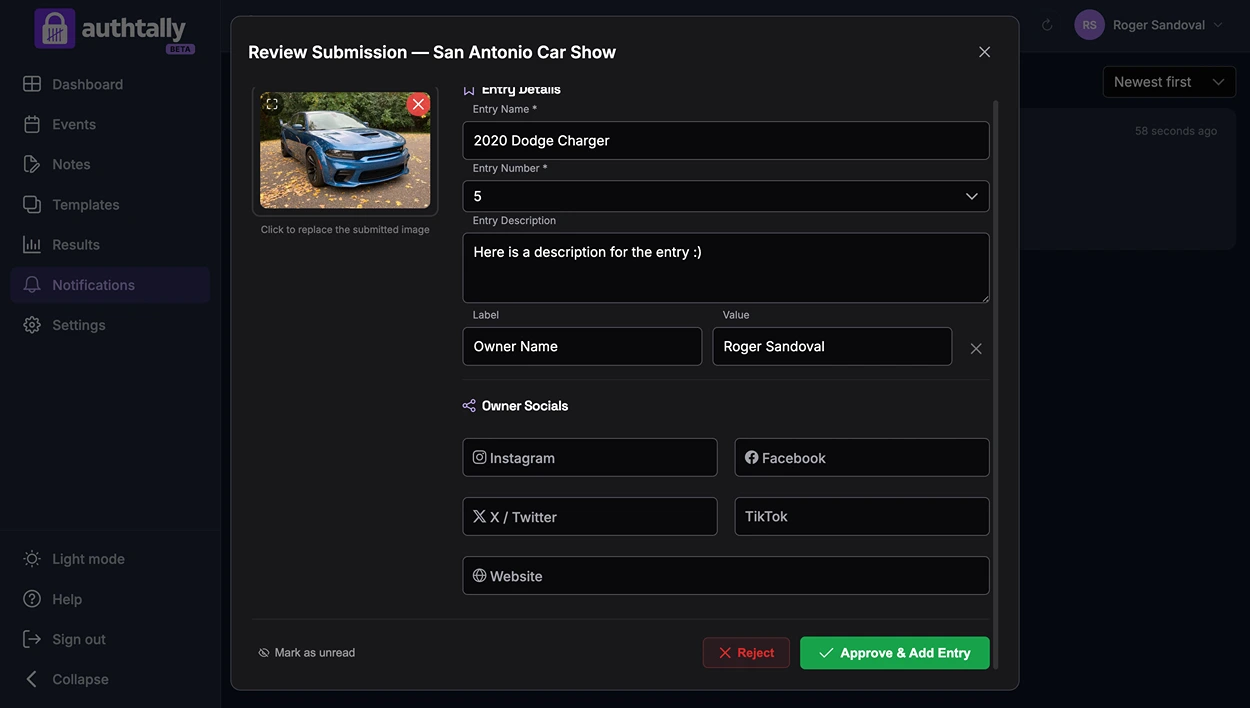
Every entry submitted through your public submission form lands in a queue for you to review, rather than going live immediately. You can approve entries you want included, or leave out ones that don't fit (duplicates, spam, or anything that doesn't belong).
Getting notified
You can get notified when new public submissions come in so you don't have to keep checking manually. See Notifications.