
Scheduling a Voting Window
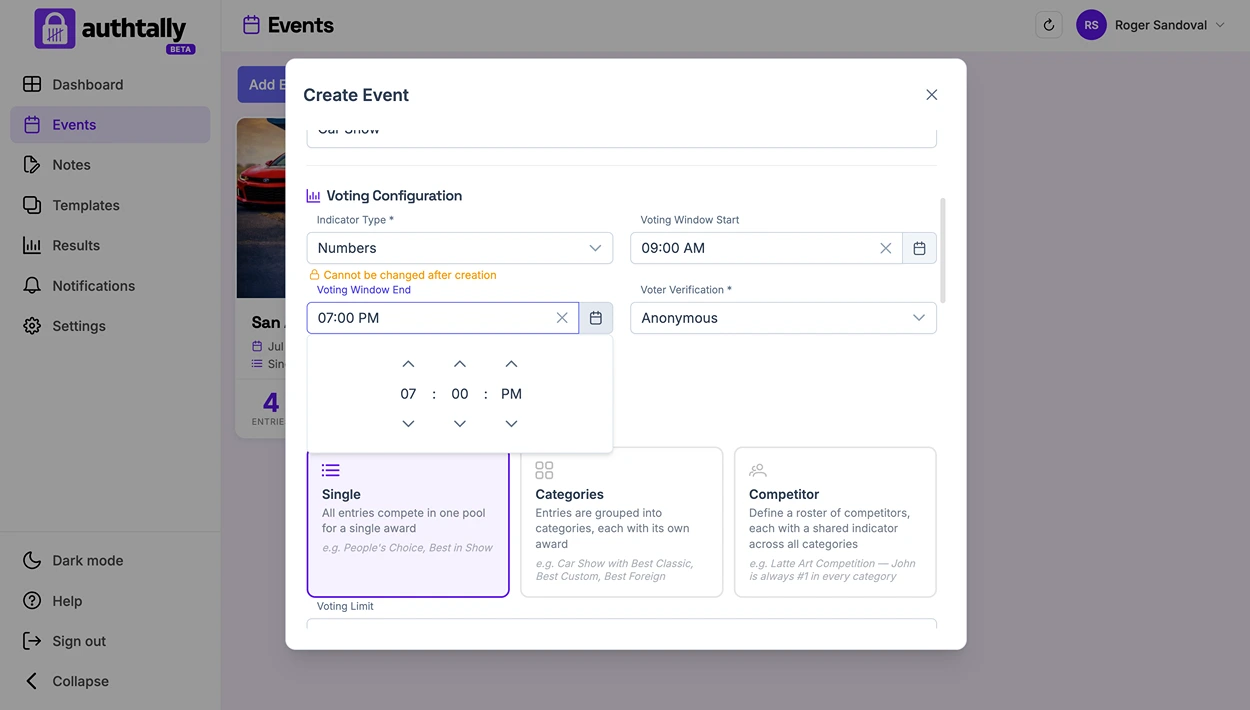
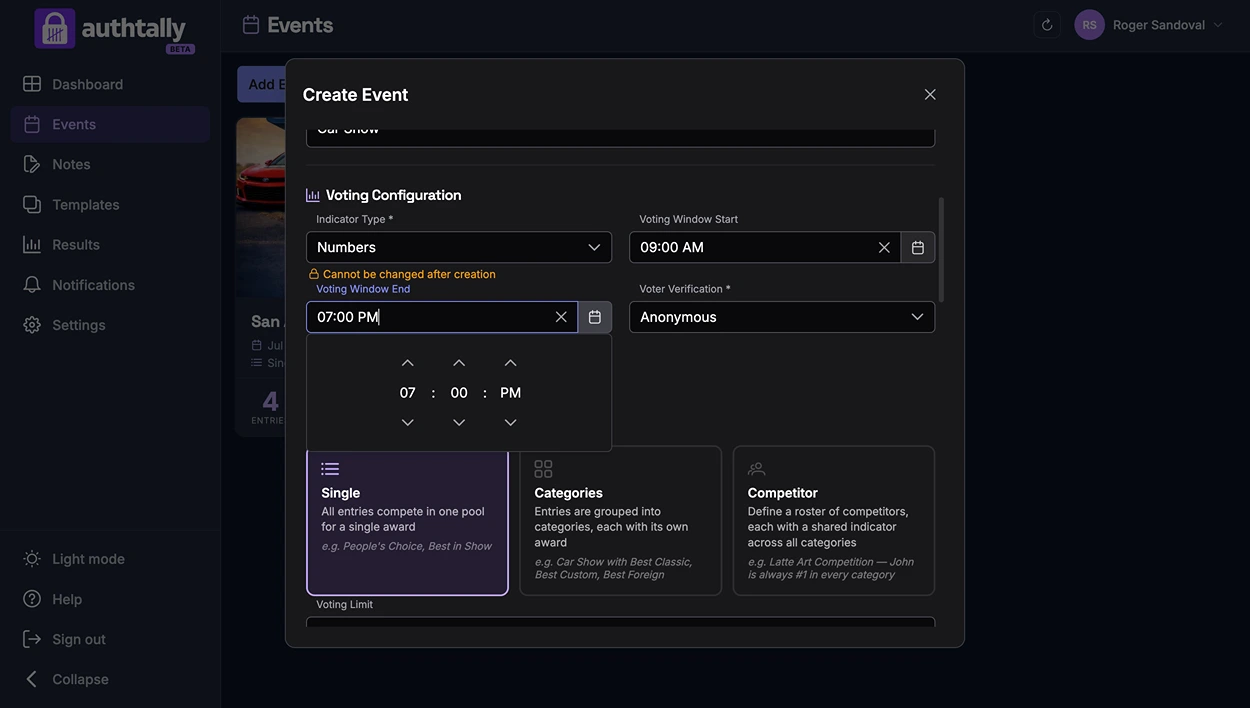
Optionally set a start and end time so voting opens and closes automatically, without you needing to be at a computer.
Why schedule a window
A scheduled voting window is useful when you want voting to line up exactly with your event, opening the moment doors open and closing the moment the show ends, without manually flipping a switch.
How it works
Set a start time and an end time for your event. Voting opens automatically at the start time and closes automatically at the end time. If you'd rather control it manually, you can skip scheduling and open or close voting yourself from your dashboard.
When voting closes
What happens to results when voting closes depends on your results visibility level, some events keep results hidden until close as a reveal moment. See Results Visibility Levels.