
Adding Entries
Entries are what voters actually vote on: a contestant, a costume, a booth, a team, whatever fits your event.
Quick start
From your event dashboard, add an entry with a name, an optional photo, and an optional description. That's enough to get a basic contest running.
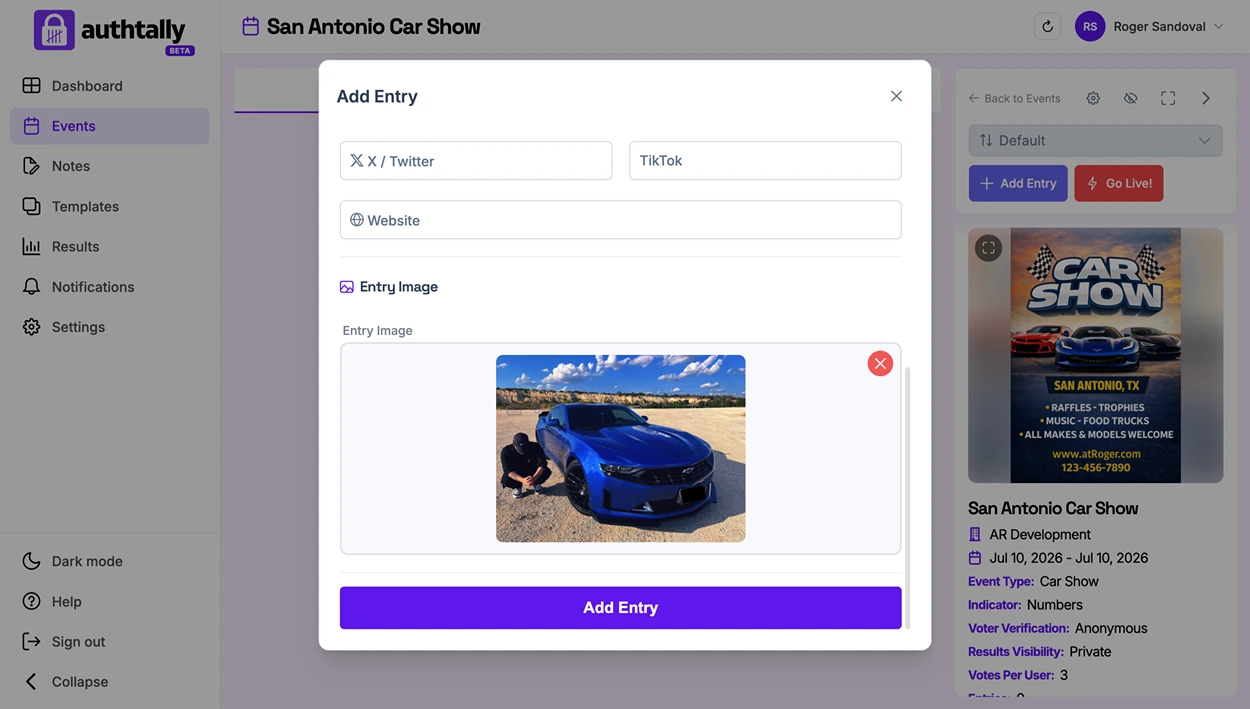
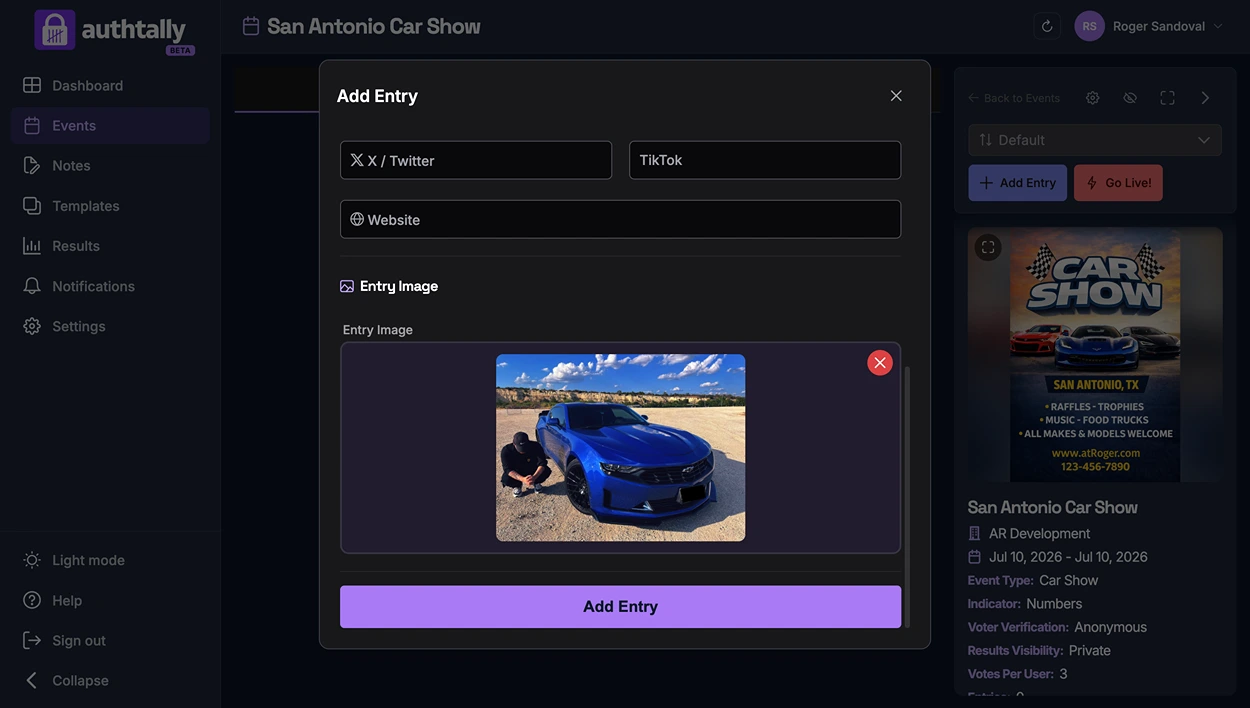
Two ways to add entries
- Manually, one at a time, from your dashboard. See Adding Entries Manually for the full field list.
- Publicly, by opening a submission form so contestants or attendees add their own entries for you to approve. See Public Entry Submission Form.
How many entries can I add?
Entry limits depend on your event's plan: Free events allow up to 25 entries. See Entry Limits by Plan for the full breakdown.