Completing & Closing an Event
When voting is over and you're ready to lock things in, mark the event complete. It closes voting for good and moves the event to your Results tab.
The Complete & Close Event button
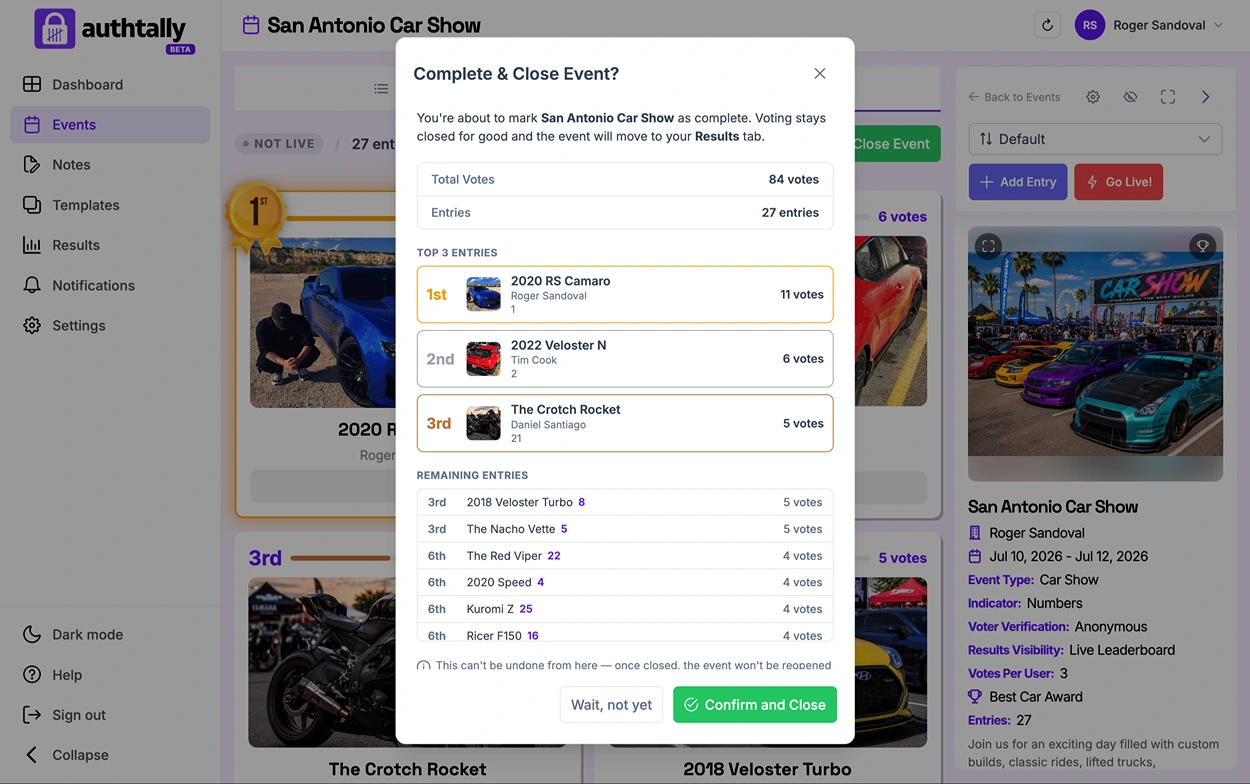
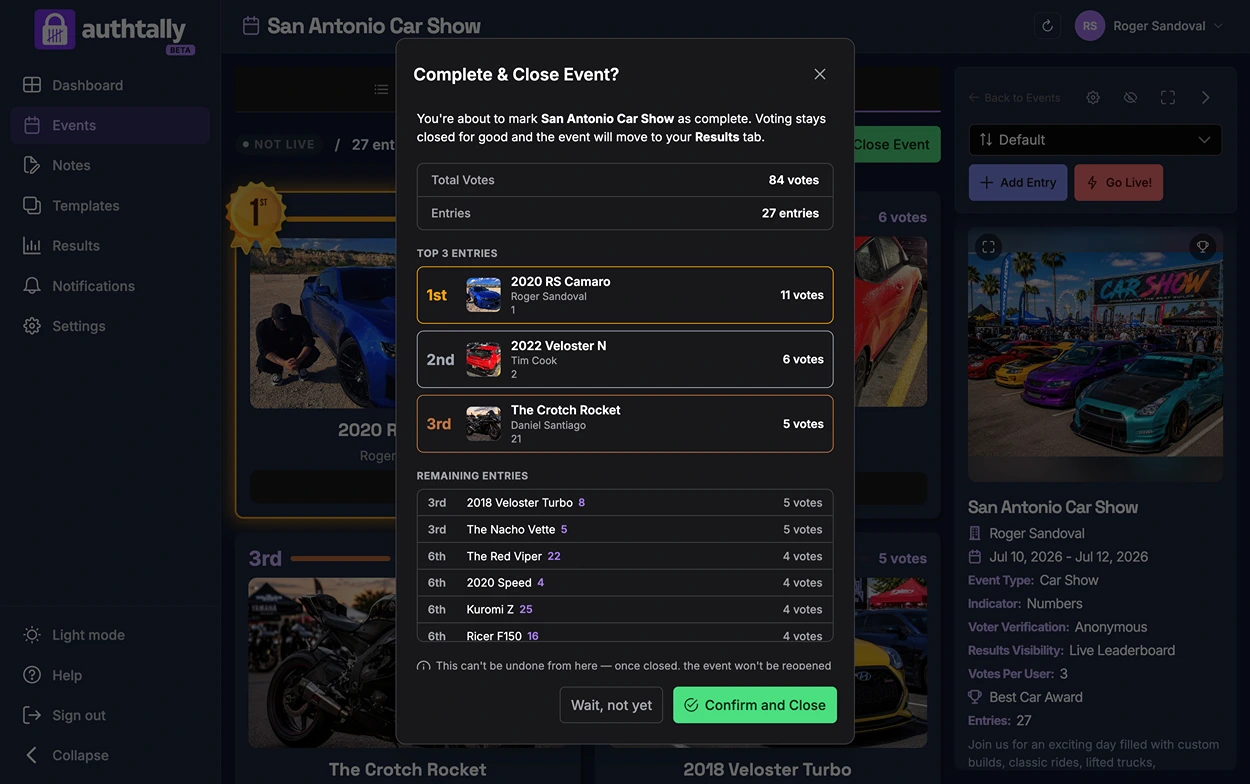
From your event's Leaderboard tab, click Complete & Close Event. This shows a confirmation with a full rundown of the event before anything changes, so you can double-check everything before locking it in.
What the confirmation shows
The modal totals up the event so far: total votes, total entries, and a breakdown of the top 3 (plus the rest of the field ranked below them). It's a last look at where things stand before you close voting for good.
What happens when you confirm
Clicking Confirm and Close marks the event complete. Voting closes for good, and the event moves out of your Events tab and into your Results tab.
Once an event is closed, it can't be reopened from here. Make sure voting is really finished before confirming.
After it's closed
A completed event isn't gone, it just moves. See View Completed Events for what you can still do with it afterward.