View Completed Events
Closing an event doesn't lose anything, it just moves. Completed events live in your Results tab, and everything about them stays available.
Always available in Results
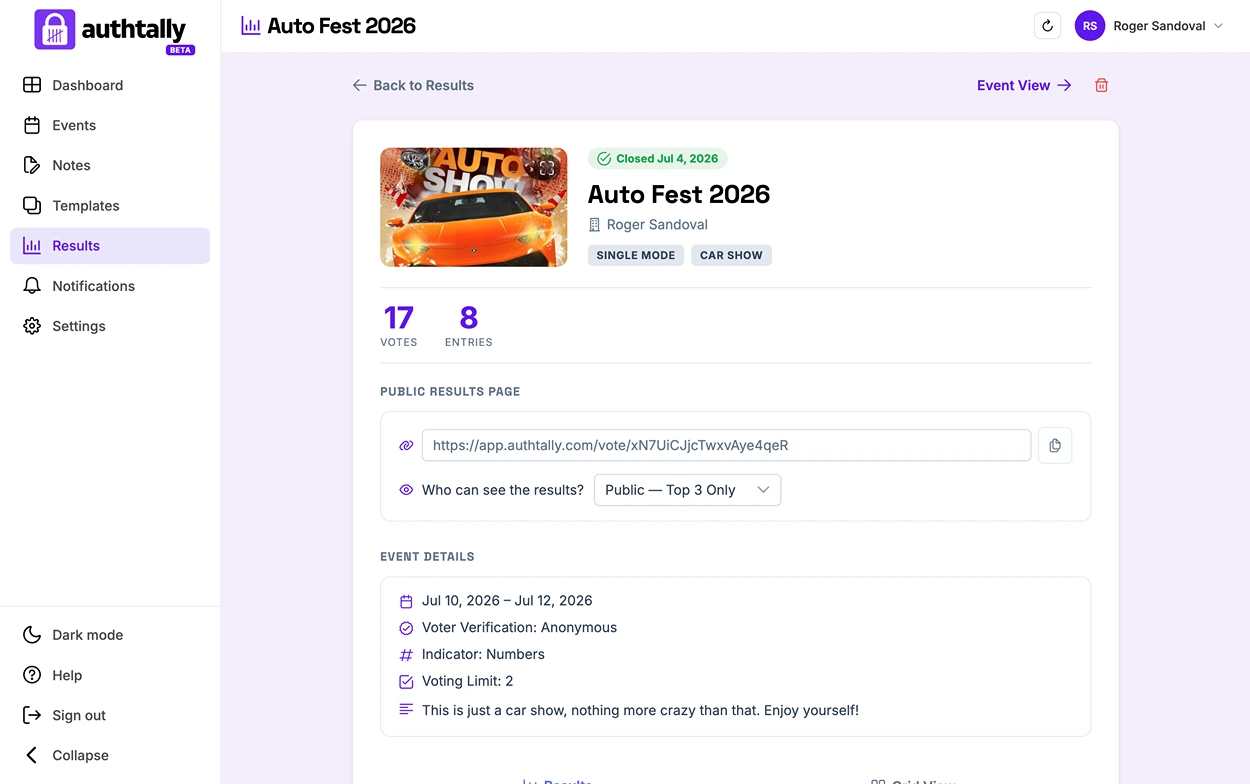
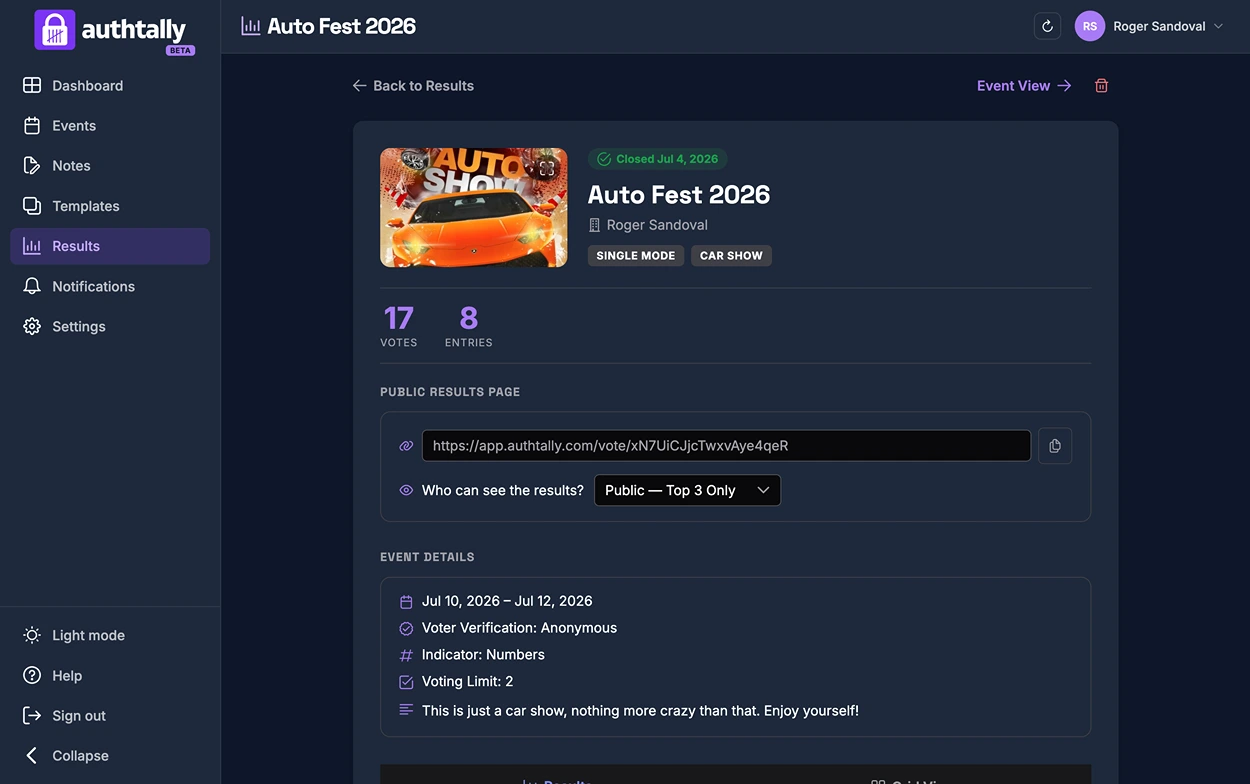
Once an event is complete, find it under the Results tab. Opening it shows the same details you saw on the closing confirmation, plus the public results link: total votes, entries, event details, and its plan and settings, exactly as they were when you closed it.
Browsing entries in Event View
Click Event View to open the event the same way you saw it while it was still open, entry photos, names, and vote counts included. Voting is closed, but the layout stays intact so you can still browse entries individually.
Sharing results publicly paid plans
Every completed event has a public results link. Use the Who can see the results setting to control what it shows: Private, Top 3 Only, or Full Leaderboard, the same options covered in Results Visibility Levels. On the Free plan, this stays set to Private.
Deleting a completed event
You can delete a completed event from Results whenever you like.
Deleting a completed event permanently removes it, including its entries, votes, and public results link. There's no way to get it back afterward.