
Custom Vanity Links Pro
Swap the default, randomly generated voting link for something short and memorable.
What it is
By default, every event's voting link ends in a long, randomly generated string, something like:
https://app.authtally.com/vote/w8XltFjLcYagkghby9uc
That works fine for scanning a QR code, but it's not something anyone could type from memory or read off a banner. A vanity link lets you replace that random string with your own custom slug instead, so the same link becomes:
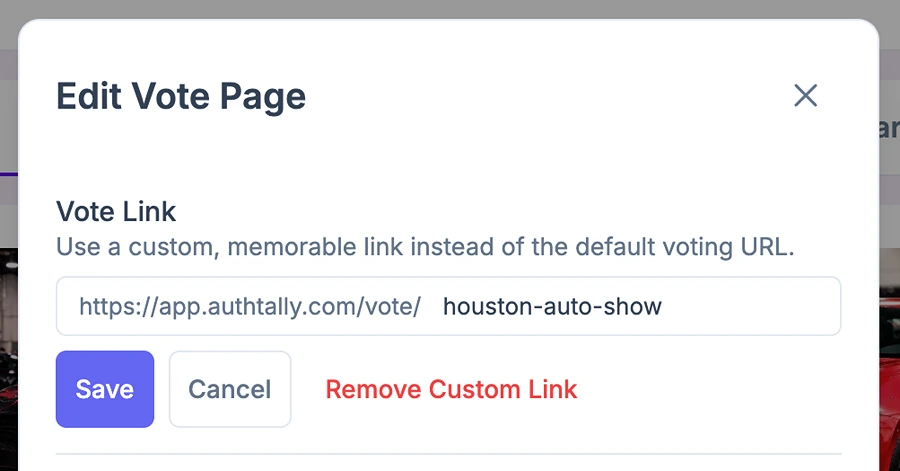
https://app.authtally.com/vote/houston-auto-show
Everything about the vote page stays the same, only the link itself changes.
Where to find it
Open your event, go to Edit Vote Page, and look for the Vote Link section near the top of the panel.
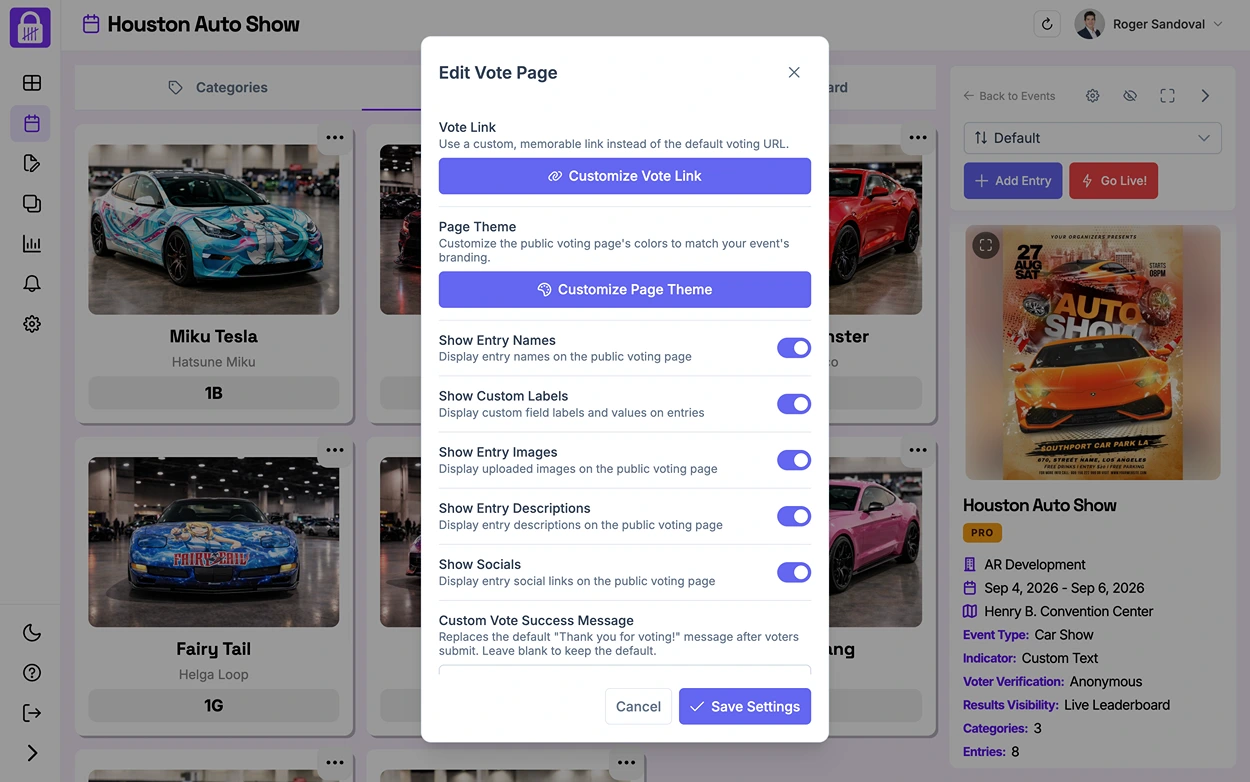
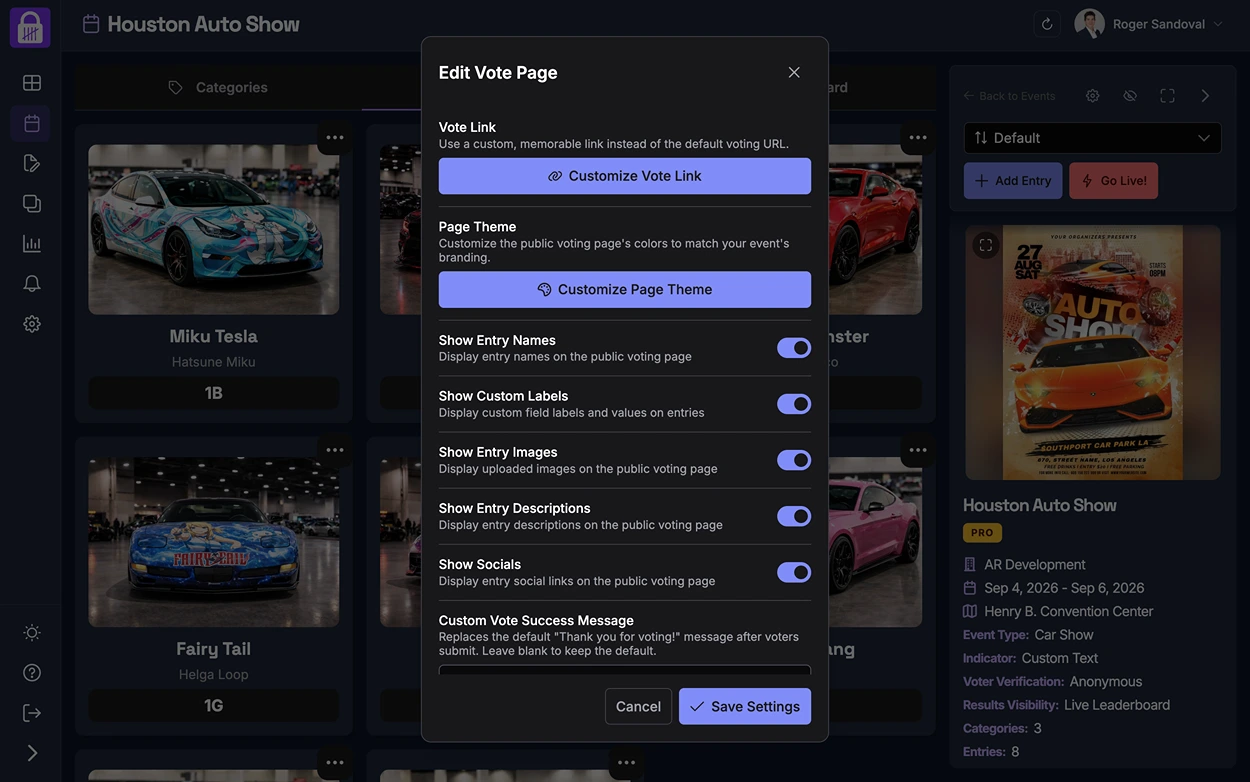
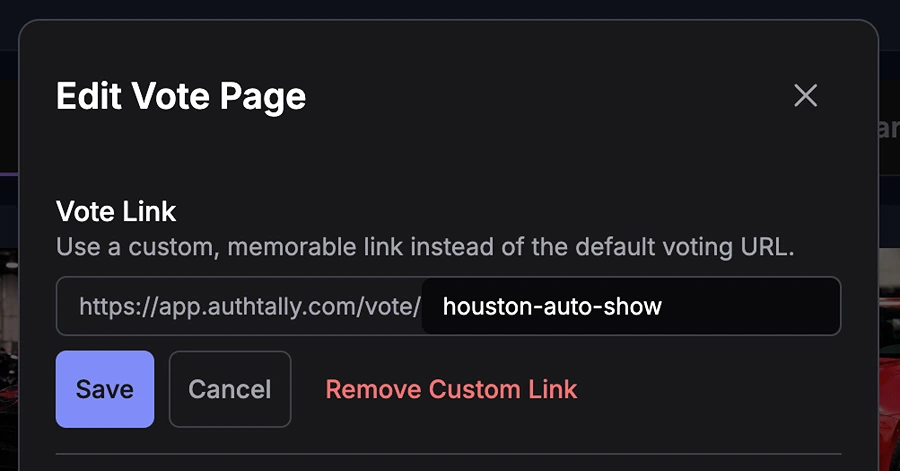
Clicking Customize Vote Link opens a simple editor where you can type your own slug after the fixed /vote/ prefix and save.
Why it helps
A vanity link is easier to say out loud, print on merchandise, or remember without scanning anything, useful for larger public events where AuthTally is one part of a bigger promotional push.
Free and Plus events
Every event, on every plan, already has a standard shareable link and QR code, the generated link just isn't customizable outside of Pro. See Shareable Links and QR Codes.