Customizing the Vote Page
The vote page is what your voters actually see. You control how much information appears on it.
What you can show or hide
- Entry names
- Entry images
- Entry descriptions
- Social links
Hiding some of these can be useful for blind judging (e.g. names hidden, only an indicator shown) or for keeping the page fast and simple for events with many entries.
Custom "thanks for voting" message Plus & Pro
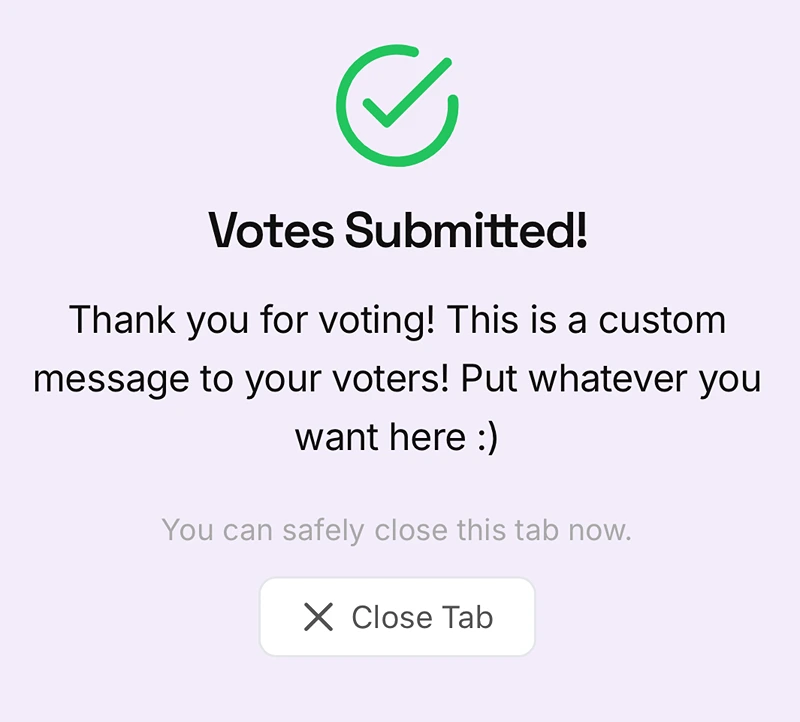
Set a custom message voters see immediately after they vote, a good spot for a sponsor shout-out, a link to your socials, or just a friendly thank you. Available on Plus and Pro events; Free events use the default thank-you message.


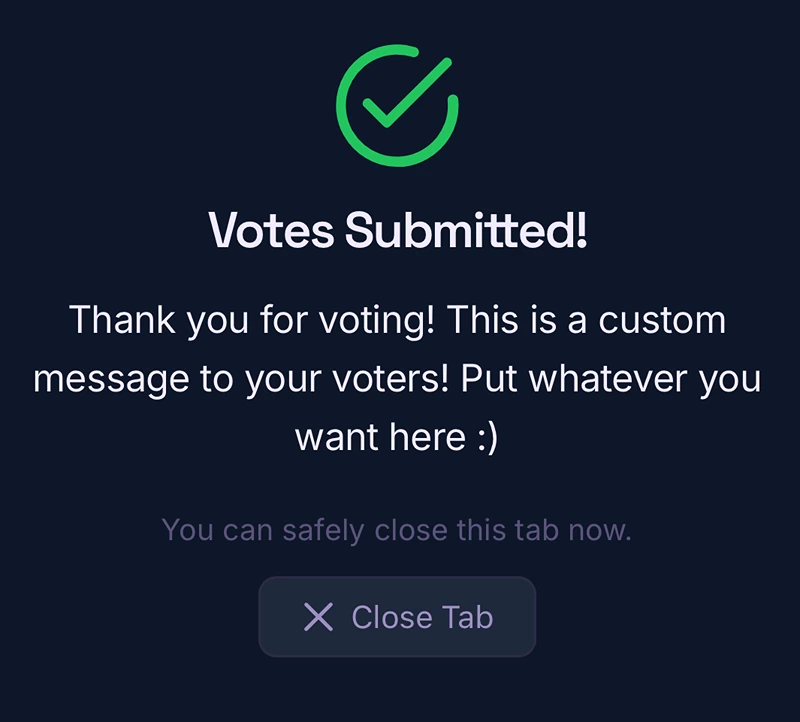
Here's what a voter sees after submitting, once a custom message has been set:
Entry indicators
Each entry can also have an indicator, a number, color, letter, or custom text, useful for events judged in person where voters need to match what's on the vote page to what they're seeing physically. See Adding Entries Manually.