Going Live
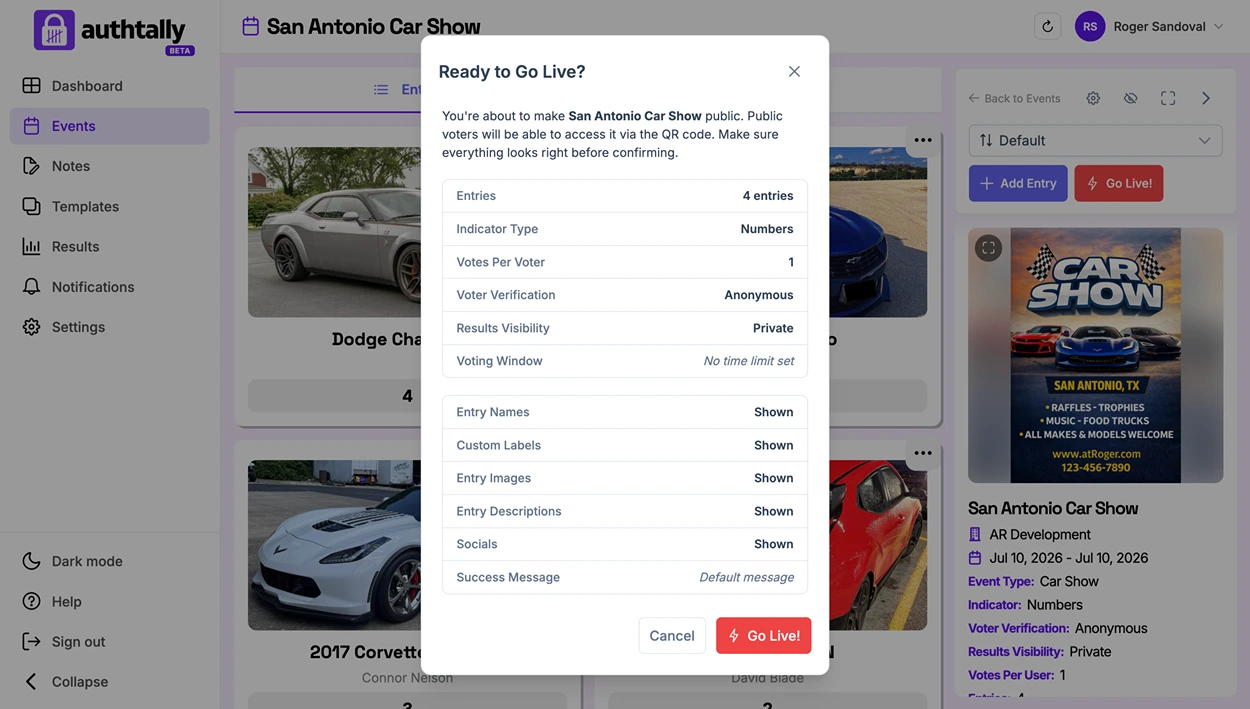
Going live opens voting to the public. Do this once your entries, verification method, and vote page are ready.
Before you go live
Double-check the settings that are hardest to change once voters are already casting votes:
- Your category mode is set correctly
- Your voter verification method fits your audience
- All the entries you want included have been added or approved
- Your results visibility level is what you want voters (and you) to see
Opening voting
You can open voting immediately, or set a voting window so it opens and closes automatically at scheduled times, useful if you want voting to start the moment an event begins without you needing to click anything.
After going live
Once voting is open, share your QR code or link if you haven't already. You can watch results come in from your dashboard at any time, regardless of what visibility level voters see publicly. See Viewing Live Results.